Sections to help you decide what to include in your CV Harvard 2026
A strong Harvard-style CV is built on clear structure, not decoration. The Harvard CV format for 2026 organizes your contact details, education, activities, and work experience so readers can quickly find the information that matters. For junior profiles, the guidance recommends one page; more experienced profiles should stay within two.
It can be hard to decide what deserves space, especially when you’re balancing coursework, projects, jobs, and other experience. The goal is to show your strongest, most relevant qualifications without crowding the page or relying on vague claims.
This guide explains what the Harvard resume template is and how to shape each section. You’ll learn what to include in your contact details, when a short professional summary may help, how to present activities, and how to turn work experience into focused achievement bullets. Use the structure as a starting point, then tailor the content to the role you want.
Key Takeaways
- Use the Harvard-style format to make your education, experience, leadership, and skills easy to scan.
- Keep contact details clear and add a short professional summary only when it helps explain your fit for the role.
- Show what you contributed in activities and leadership roles, not just the title you held.
- Build experience bullets around action and measurable results, then tailor them to the job.
- Apply Harvard’s formatting guidance to create a clean draft, then refine it for the role you’re targeting.
1. What Is the Harvard Resume Template?
The Harvard-style resume template provides a clean structure for presenting education, experience, leadership, and skills. For most non-research and non-academic jobs, Harvard Griffin GSAS advises using a resume instead of a CV. A resume summarizes your qualifications for a role, while an academic CV can include research credentials, publications, presentations, and references.
Think of the template as an organizing system, not a script to copy word for word. Keep the sections that support your target role, and arrange them so your strongest evidence stands out. A student may lead with education, while an experienced applicant may give more space to relevant work history.
Education and degree formatting: List your school, degree, field of study, and graduation date in a consistent format. For example, write “Bachelor of Arts in History, Example University” rather than using an unclear abbreviation. Add your GPA only when it helps. Harvard-like guidance marks GPA as optional, and recommends including it for students or recent graduates when it is 3.5 or above. One Harvard guide’s sample degree entry lists a GPA of 3.6.
Coursework can demonstrate your fit when it connects directly to the job. A computer science student applying for a software role, for example, might list relevant courses in algorithms or databases. Skip unrelated classes to keep the education section focused on evidence the hiring team can use.
Experience, leadership, and skills: Use experience to show what you did and what changed as a result. Leadership can include a student organization, volunteer role, research project, or team responsibility. List relevant tools, methods, or languages you can use as skills, rather than broad traits such as “hard-working.”
- Education: Include your degree, institution, field, and relevant coursework.
- Experience: Show roles, projects, or internships that connect to the target job.
- Leadership: Describe a responsibility and the contribution you made.
- Skills: Name specific abilities that match the role.
Common mistakes include copying a template without tailoring it, crowding the page with unrelated details, and listing duties without showing outcomes. Compare each section with the job description, and remove content that does not support your fit.
Harvard offers student-facing resume guidance, including computer science and engineering examples for those fields. Academic CVs serve a different purpose: include research-focused credentials such as publications and presentations when they are relevant to academic roles.
2. Contact details and optional professional summary
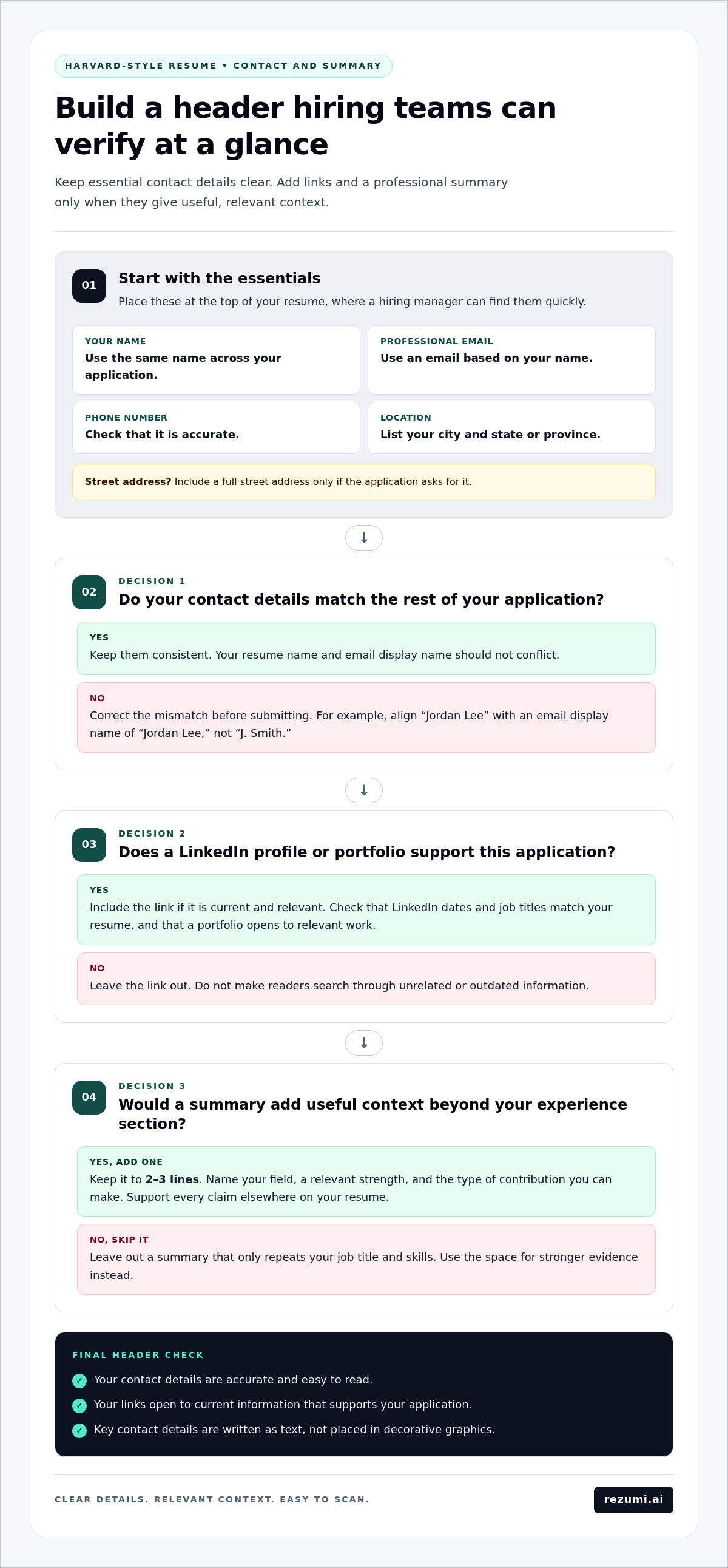
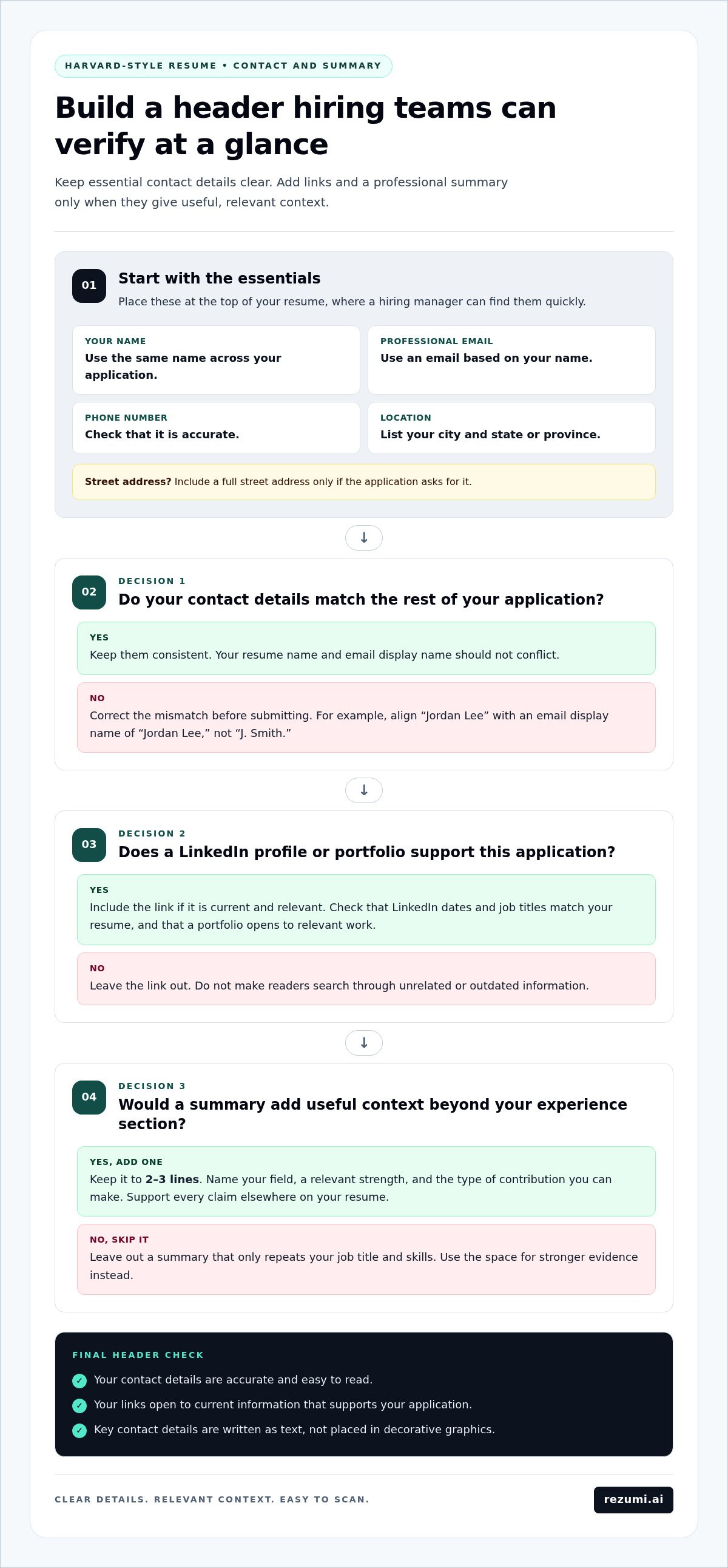
Place your contact details at the top, where a hiring manager can find them quickly. Include your full name, a professional email address, phone number, and city and state or province. Add a LinkedIn profile or portfolio when it supports your application, such as a designer linking to selected work.
Make every detail accurate and consistent with the rest of your application. If your resume says “Jordan Lee” but your email display name says “J. Smith,” align them before submitting. Use a professional email based on your name, such as jordan.lee@example.com, rather than a nickname that distracts from your qualifications.
Choose contact links as carefully as the rest of your content. Your LinkedIn profile should match the dates and job titles on your resume. A portfolio should open to relevant projects, not a general landing page that makes readers search for them. Leave out any link that does not support your application.
Your location clarifies where you’re based without taking up much space. For example, “Toronto, ON” or “Austin, TX” gives a clear geographic reference. Include a full street address only if the application asks for it. Keep the header readable, and don’t put key contact details in decorative graphics.
A professional summary is optional. Add one when it gives the reader a useful snapshot that your experience section cannot provide at a glance. Keep it to 2-3 lines. Name your field, a relevant strength, and the type of contribution you can make. For example: “Marketing coordinator with experience planning email campaigns and tracking engagement. Skilled in turning campaign data into clear recommendations.” Only use claims you can support elsewhere.
Skip a summary if it merely repeats your job title and skills. A new graduate, for example, might use the space to identify a target area and relevant project experience. An established analyst could summarize a specialty and the business problems they solve. In either case, tailor the wording to the role rather than reusing the same text for every application.
- Check the basics: Confirm your name, email, phone number, and location.
- Test each link: Make sure LinkedIn and portfolio pages open to relevant, current information.
- Trim the summary: Keep it within 2-3 lines and remove claims that your resume doesn’t support.
A cover letter can add context that a short summary cannot, such as why a specific role fits your experience. Rezumi’s AI Cover Letter Generator can help you shape relevant resume details into a draft; review each claim and tailor it to the employer. Explore the AI cover letter tool if you want support with that next step.
3. Leadership and activities
Leadership and activities can demonstrate skills that paid jobs haven’t yet shown. Include student groups, volunteer work, community projects, professional associations, or campus initiatives when they connect to your target role. A communications applicant, for example, could feature a campus publication role involving content planning and contributor coordination.
Choose entries based on what you did, not just where you participated. “Member, Debate Society” offers little detail. “Prepared research briefs and coordinated practice sessions for the debate team” shows communication, research, and planning. Describe your contribution accurately, then connect it to a skill the employer needs.
A formal title can help, but it isn’t the only evidence of leadership. You might have trained new volunteers, organized an event, or helped a group meet a shared goal without holding an officer role. Describe the action directly. For instance, “Created a volunteer onboarding guide” communicates ownership more clearly than “Helped with volunteer training.”
Use this quick test before adding an activity:
- Relevance: Does it show a skill, interest, or responsibility related to the role?
- Contribution: Can you explain what you personally did?
- Evidence: Can you describe a result, finished project, or useful output?
Specific outcomes strengthen an entry, but include only results you can explain. If you organized a fundraiser, name your role and the work involved. If you don’t have a reliable figure for the outcome, describe the completed event or resource instead of guessing. Accuracy makes your example credible.
Keep each description brief and active. Start with a clear verb such as “organized,” “led,” “coordinated,” or “created,” then state the task and its purpose. “Coordinated a peer tutoring program to connect students with subject support” is more informative than “Responsible for tutoring activities.”
Place activities where they strengthen your application. A recent graduate with limited paid experience may put relevant leadership near education. A professional with substantial work history can give volunteer or community roles a separate section, especially when they demonstrate a distinct skill. Format titles, organizations, and dates consistently.
Don’t list every club or one-time event. A long list of memberships can bury the work that demonstrates your fit. Select entries that show a clear contribution, such as managing a student organization project or coordinating volunteers for a local community group. Remove activities that add no useful context.
Before submitting, compare each activity with the job description. If the role asks for event planning, a campus conference role may be relevant. If it emphasizes collaboration, explain how you worked with a team. This final edit turns extracurricular experience into clear evidence of how you can contribute.
4. Work experience entries
A strong experience entry pairs a clear role and employer with specific evidence of your contribution. List positions in reverse chronological order, starting with your most recent role. For each one, include the job title, organization, location, and dates, then choose the achievements most relevant to your target job.
Write each bullet to show an action and its result. Start with a direct verb, explain the task, and add a measurable outcome when possible. Avoid personal pronouns such as “I” or “my.” Instead of “I was responsible for campaign reports,” write “Prepared campaign reports to guide weekly budget decisions.” This version shows ownership and purpose.
A Harvard-style entry should include 3-5 achievement bullets. Choose work that proves useful skills, rather than listing every routine duty. A marketing analyst might describe managing digital retail campaigns, improving lead costs, or creating a reporting process. Each bullet should make clear what changed because of the work.
Numbers make outcomes easier to understand when they’re accurate and relevant. A sample marketing analyst CV describes a candidate with 4 years of digital retail campaign experience. One bullet says the candidate managed a monthly budget of US$8,000 and reduced cost per lead by 32%. Another explains that a metrics dashboard saved the team 6 hours of reporting each week.
Use the same approach for results that aren’t financial. The sample CV also describes an ecommerce conversion rate rising from 1.4% to 2.3% in 8 months. It notes that the candidate coordinated content calendars for three social media channels and doubled organic reach in one year. These details show how to connect an action with a result, not a required formula for every resume.
How do you write a strong CV summary and experience bullets? Make the summary specific to your target role, then use experience bullets to support its key claims with actions and outcomes. If a result has no reliable figure, describe the completed work or improvement without inventing a number.
For senior professionals, focus on the most recent 10-15 years of experience. Older roles can take space from current achievements, so keep them only when they add important context or directly support the role. Review every entry for relevance before trimming details.
Review your resume against the job description. If the posting emphasizes campaign analysis, prioritize a bullet about reporting or conversion results. If it calls for team coordination, highlight the work calendar or cross-team process. Put your strongest evidence near the top, format consistently, and remove repeated claims. This makes each role easier to scan and helps readers connect your experience to the position.
5. How should I format a CV using Harvard career services guidelines?
Use a simple layout, consistent headings, and enough white space to make each section easy to scan. Harvard College recommends starting a resume draft with its bullet-point template, available in Word, accessible Word, and Google Docs formats. Choose one, then adjust the sections to fit your target role.
Set the body text between 10-12 points. Use 11-14-point type for your name, so it stands out without dominating the page. Harvard’s formatting guidance recommends one-inch margins on all sides. If space is tight, margins can go down to 0.75 inch, but keep the page comfortable to read.
Keep spacing consistent. Use single line spacing, with zero points before paragraphs and 2-4 points after each paragraph. Align dates, job titles, and organization names in a predictable way. For example, place every date on the same side of the page. Avoid text boxes and complex columns that can disrupt reading order in some systems.
Choose page length based on your experience. Harvard’s guidance recommends one page for students and recent graduates. A one-page resume is also standard for professionals with five years of experience. For senior professionals with 10 or more years, one to two pages may fit. Harvard FAS recommends one page for people with under roughly 10-15 years of experience.
Keep the layout focused. If you have fewer than five years of experience, limit your resume to one page. More experienced applicants should keep it to no more than two pages. For a senior profile, include the most relevant recent work and remove older details that don’t support your target role.
Order sections so readers see your strongest evidence early. Education can appear below experience after two or more full-time roles. Before changing the order, consider what matters most for the job. A recent graduate may lead with education, while an experienced applicant may put relevant work first.
- Check readability: Confirm body text stays within 10-12 points and headings remain consistent.
- Review page fit: Remove repetition before reducing margins below one inch.
- Test the file: Export or save the document, then check that text remains selectable and the layout holds.
Harvard Extension School provides resume guidelines and samples to help refine your draft. Use them as references, not as a reason to copy someone else’s content. Keep your information accurate, tailored, and easy to scan.
Rezumi: ATS Resume Optimization
Rezumi helps you tailor your resume to a job description with ATS optimization. Use ATS Score, Job Match %, and Keyword % to review how your resume aligns with the role’s skills and language. An applicant tracking system (ATS) is software employers may use to collect and review applications, so clear, relevant wording matters.
Use Resume Design & PDF Export to prepare a polished document, then build interview readiness with AI Interview Prep, featuring role-specific questions and tips using the CAR-framework. The AI Cover Letter Generator can help turn your resume details into a role-specific letter. Review every draft to ensure it reflects your experience and the position you want.
Visit rezumi.ai to explore tools for your next application.
Put your next application into motion
Your Harvard-style CV for 2026 is a working document, not a fixed record. Treat each application as a chance to sharpen the connection between your experience and the role. Before you submit, compare your resume with the job description, adjust the details that matter, and remove anything that distracts from your fit.
Then read the document as a hiring manager would. Can they quickly understand what you offer and where your evidence appears? Check that your resume, cover letter, and professional profile tell a consistent story. A focused final review can catch unclear wording, outdated details, and formatting issues before you submit.
You now have a clear structure to work from. Use it to make your next application more specific, accurate, and ready to share.
Take the next step with confidence, tailoring each application carefully to the role.
Frequently Asked Questions
What Is the Harvard Resume Template?
The Harvard Resume Template is a structured starting point for presenting qualifications in a clear, consistent order. Use it as an editable draft, not a fixed script: adjust the section order and details to fit the position. A research applicant, for example, may need publications, while a business applicant may prioritize relevant work and skills. Keep every claim accurate and clearly connected to the role.
How many pages should it be?
For a junior profile, aim for one page. More experienced applicants can use up to two pages when the additional material strengthens their case. Don’t stretch a short resume with large fonts or empty sections. If only a few lines spill onto another page, tighten the wording or spacing first. Keep the type readable and preserve the information most relevant to the position.
What is a Harvard CV, and how does it differ from a résumé?
A Harvard-style resume is a concise document for a specific job, while an academic CV records credentials across a broader career. A CV may include publications, presentations, research, and academic references. A faculty applicant, for example, could use a CV to document scholarly work, while a marketing applicant would usually focus on relevant experience. Choose the document type to suit the role and field.
What is the latest Harvard CV template for 2026?
Harvard College recommends its bullet-point resume template as a starting point for building a resume. It’s available in Word, accessible Word, and Google Docs formats. Treat the file as a practical layout, not a special edition that automatically suits every career. Replace sample text with your own details, then tailor the document to the role. Harvard Extension School also provides resume guidance and samples.
What sections should a Harvard-style CV include?
Common sections include contact details, education, experience, leadership or activities, and skills. Add optional sections only when they strengthen your application. A research applicant, for example, may include publications or presentations, while a recent graduate might highlight relevant coursework or a project. Keep section labels clear, and don’t add headings just to fill space. Each section should provide evidence of your fit.
How long should a Harvard CV be for students and experienced professionals?
Students and recent graduates should generally keep a resume to one page. Professionals with five years of experience also typically use one page, while senior professionals with 10 or more years may use one to two pages. For an experienced applicant, the deciding factor is relevance: include additional detail only when it shows qualifications the role needs. A longer document should add useful evidence, not repeat it.
Are there Harvard CV examples for students, faculty, and researchers?
Harvard offers student-facing resume guidance, including computer science and engineering examples. For academic roles, a CV can include research credentials such as publications and presentations.
Disclaimer
This article is provided for general informational purposes only and does not constitute professional, legal, financial, or career advice. While Rezumi strives for accuracy, we make no warranties as to the completeness or reliability of this content. Hiring practices, ATS behavior, and job-market conditions vary by employer, industry, and region — always verify against your specific situation. Any action you take based on this article is at your own risk.